
Most households fight weak Wi-Fi upstairs the same way: a new router, then an extender, then a mesh kit, each one a little better and none of them quite fixing it.
That sequence is aimed at the wrong problem. In most houses the router is not too slow. It is in the wrong place, pointed the wrong way, and asked to push a radio signal through the one part of the house radio is worst at crossing. Once you see the geometry, the fix stops being a shopping decision.
Where your router lives, and why
The router sits where the internet comes into the house, and that spot was chosen for the provider’s convenience, not yours.
The cable or fiber line enters on the side of the house nearest the street or the pole, usually low: the basement, the garage, a utility room, a ground-floor corner. The installer mounts the modem or fiber terminal where the line comes in, plugs the router in beside it, confirms you are online and leaves. Their job is a working connection, not coverage on the second floor.
So the router ends up in a corner, low down, often on the floor or inside a cabinet beside the TV — about the worst position in the house for reaching the bedrooms above.
The floor is the hardest thing in the house to get through
An interior wall is two sheets of drywall with air between them. Wi-Fi crosses it with modest loss. A floor is a different structure entirely: drywall ceiling, joists, subfloor, underlayment, and the finished surface on top. And it is where a house runs its services, so the joist bays are full of things radio does not like:
- Ductwork. Supply trunks and branch runs are sheet metal, and a sheet of metal is close to a mirror for a Wi-Fi signal.
- Plumbing. Copper pipe, and water in pipes of any kind, absorbs signal.
- Foil-faced insulation, where it has been used between floors or in a bonus room over the garage.
- Radiant floor heating, with its tubing, water and often a reflective layer.
- Tile on a mortar bed, which in older bathrooms is frequently set over wire mesh.
The angle makes it worse. The signal does not go straight up; it crosses the floor on a slant toward a room at the far end of the house, and every degree of slant means more joists, more subfloor and more ductwork in the path.
Frequency matters too. A router broadcasts on several bands. The 2.4 GHz band carries further through materials but is slower and more crowded. The 5 and 6 GHz bands are much faster and lose much more with every layer they pass through. That is why devices upstairs often show a connection but quietly drop to the slow band, or flip between bands all evening.
Your router is aiming sideways
There is a second reason, and almost nobody knows it.
A typical router’s antennas radiate in a doughnut shape. The signal goes out strongly in every horizontal direction and weakly straight up and straight down. That is the right shape for covering one level of an open-plan home. It is the wrong shape for reaching the room directly above it.
Put that router low, in a corner, and a good share of its strongest signal heads out through the exterior wall into the yard, while the weakest part of the pattern is the part pointed at the second floor.
Why the signal bars lie
Upstairs, the phone may still show two or three bars, and the connection still feels broken. That is not your imagination.
The bars measure how well the device hears the router. A router transmits considerably more power than a phone or a laptop does, so the device can hear the router fine while the router can barely hear the device. Downloads, which mostly flow toward you, survive. Anything that has to send a steady stream back — a video call, an upload, a game — struggles first.
That is also why a streaming movie can play upstairs while a video call on the same laptop freezes. The movie buffers ahead. The call cannot.
Why an extender rarely fixes it
A range extender has to hear the router before it can repeat anything, and it has to hear it through the same floor. Placed upstairs, where the signal is already weak, it faithfully rebroadcasts a weak signal. Many single-radio extenders also spend half their airtime listening and the other half repeating, which roughly halves the speed they can pass on.
Mesh systems are a real improvement. Better units dedicate a separate radio to the link between nodes, and the nodes coordinate with each other rather than competing. But that link between nodes still crosses the floor wirelessly, and a mesh system is only as good as its weakest hop.
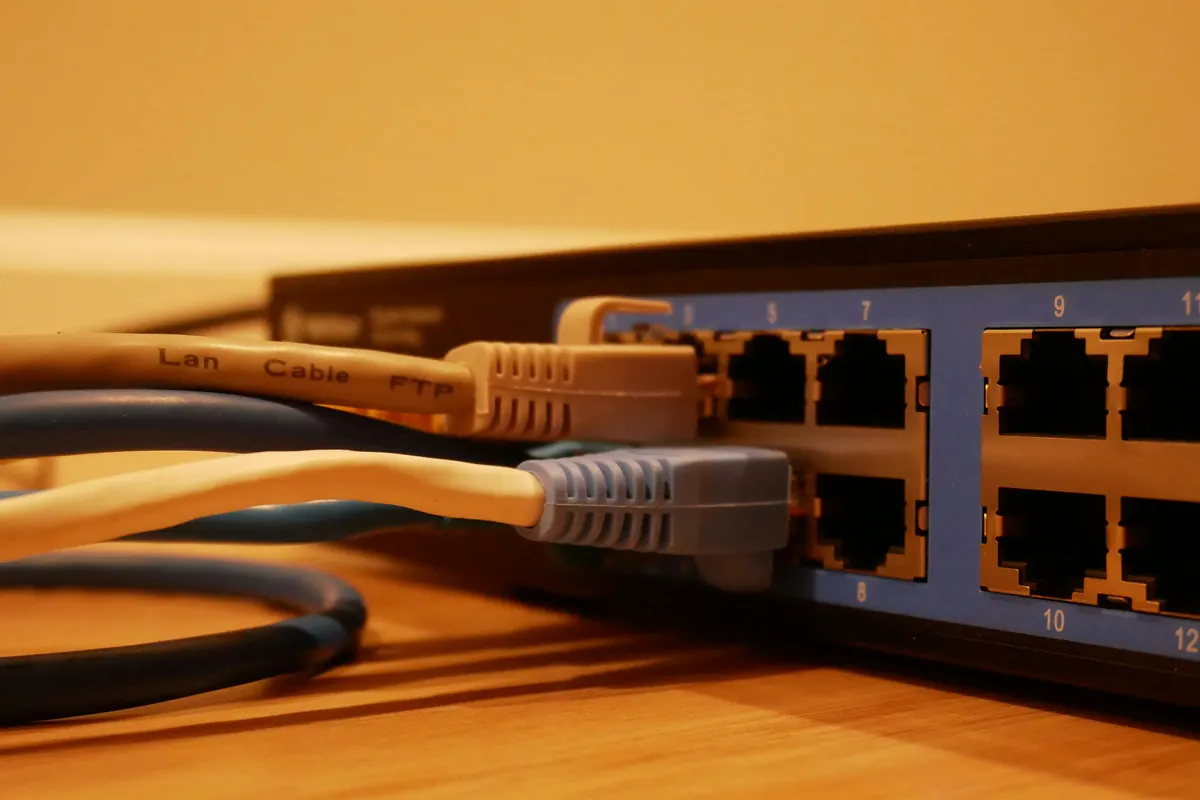
The detail on the box most people miss: almost every mesh system supports wired backhaul — an Ethernet cable between the nodes. With that cable in place, the floor stops mattering, and the system finally performs the way the box says.
Before you buy another router: run a speed test standing right beside the one you have, then run it again upstairs. If it is fast beside the router, the internet plan and the router are fine. The problem is the path between floors.
The fix: put a wire through the floor
One Cat6 cable from the router’s location to the second floor solves more than any new hardware. At the top of that cable goes one of two things:
- A ceiling-mounted access point. Mounted in a central hallway ceiling, its pattern points down and outward, covering the upper floor from the middle. Power over Ethernet sends its power along the same cable, so there is no outlet to add in the ceiling.
- A wired mesh node, if you already own a mesh system. Same cable, and the hardware you bought finally runs at its rated speed.
While the cable is being run, it is worth two more decisions:
- Wire what doesn’t move. The TV, the desktop in the home office, the game console. Every device on a cable is one less device competing for airtime, which makes the Wi-Fi better for everything that does move.
- Consider moving the network to the middle of the house. A cable from the provider’s entry point to a central closet lets the router live where the house actually is, with the rest of the drops run out from there.
Getting a cable to the second floor of a finished house is routine work. The paths are the ones electricians use for power: stacked closets, a plumbing chase, the attic down through a top plate, or the garage ceiling into a bonus room. The access holes are small and get patched. It is the same structured cabling work we do in larger buildings, scaled to one house, and every run is terminated, tested and labeled at both ends. If the new router location needs a receptacle beside it, that is a small residential electrical job done on the same visit.
When a new cable isn’t an option
Sometimes the walls cannot be opened, or the house is rented. There are still options, in roughly this order:
- MoCA over existing coax. If old TV coax already reaches the upstairs rooms, MoCA adapters turn it into a wired network link with no new cable at all. It is usually the best answer when it is available.
- A mesh node on the stair landing. Halfway up, with a clear line of sight both ways, rather than in the far bedroom where the signal is already gone.
- Powerline adapters. These send the network over the house wiring. Results vary widely from house to house, depending on which circuits the two adapters share, the age of the wiring and the electrical noise from appliances. Plugging them into a surge strip usually hurts. Buy them somewhere with a good return policy.
Do it while the walls are open
The cheapest Ethernet cable is the one pulled before the drywall goes up. If you are remodeling, adding a room, or rewiring an older house anyway, a few Cat6 runs to each floor and a spare conduit from the basement to the attic cost very little next to fishing them later. Older houses with plaster on metal lath block Wi-Fi even through walls, which makes the wire matter more, not less.
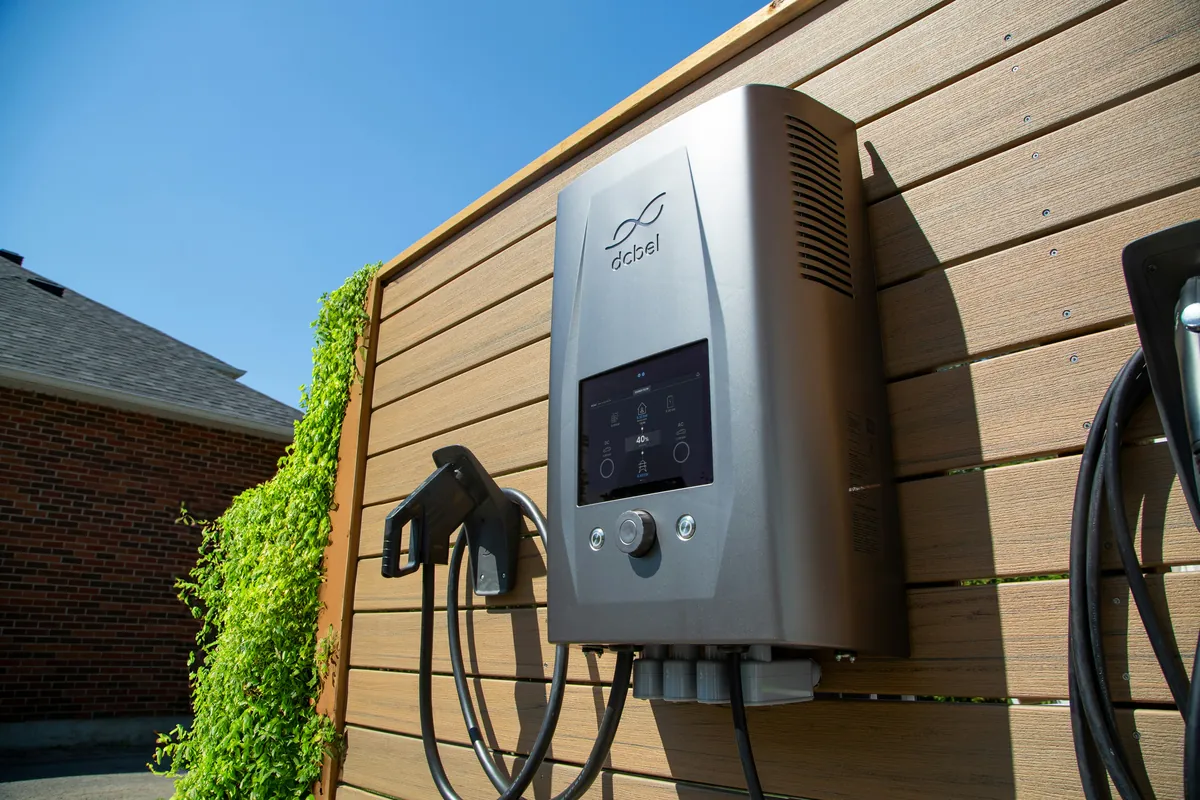
It also helps to keep devices off the Wi-Fi that do not need to be on it. Security cameras are better on a cable, and Power over Ethernet powers them through it too. Whole-home lighting control systems such as Lutron’s run on their own radio rather than your Wi-Fi. And a networked EV charger in the garage is one more device that needs a signal somewhere the router rarely reaches.
A short checklist
- Test beside the router, then upstairs. It tells you whether the problem is the plan or the path.
- Get the router off the floor and out of the cabinet. Higher and in the open helps even before anything else changes.
- Find where the internet line enters, and whether the network could start somewhere more central.
- Look for coax in the upstairs rooms. If it is there, MoCA is the cheap answer.
- Run one Cat6 cable to the second floor for an access point or a wired mesh node.
- Wire everything that doesn’t move.
The short version
Wi-Fi is good at crossing a room and bad at crossing a floor. When the router sits where the internet line comes in, low and in a corner, a new router only moves the problem around. One cable up to the second floor fixes it properly.
We run, terminate and test that cable, mount the access point at the top of it, and leave the house with the network where it is actually used.